
Personal workspace
Nothing gets lost.
Ever.
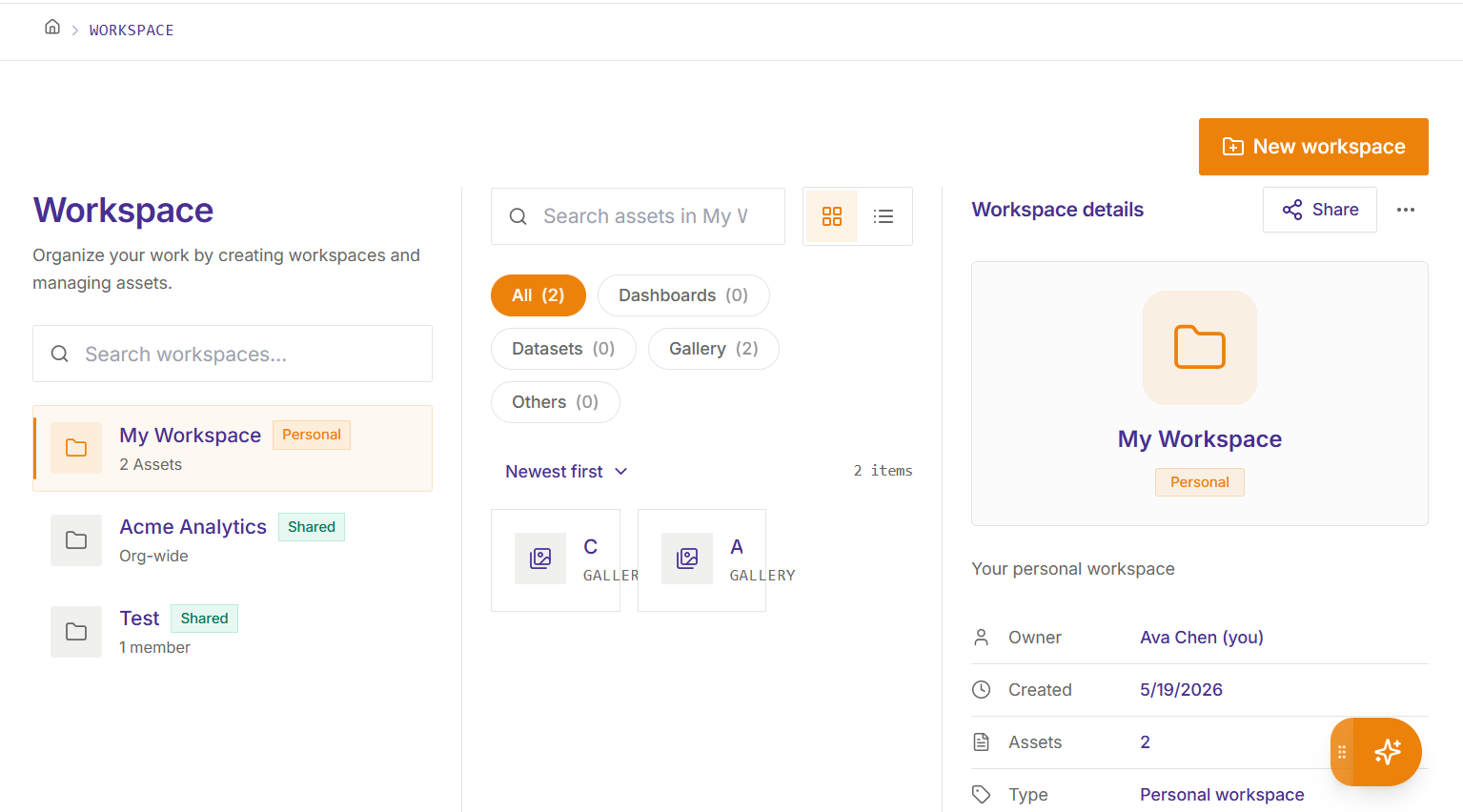
Every dashboard, dataset, AI insight, and report you save automatically lands in your personal “My Workspace” — even when you don’t specify a folder. No orphaned assets, no lost work.
-
✓
Auto-routing to “My Workspace” on every save — zero configuration needed
-
✓
Folder-based organisation — group assets however your team thinks
-
✓
Starred favourites for quick access to your most-used assets
-
✓
Full metadata panel — tags, access list, quick preview, timestamps
-
✓
Panel sizes auto-saved — the workspace remembers your layout
Dashboards
12
AI Insights
28
Datasets
7
Reports
5
Starred
4
Views & navigation
Tiles or list.
Your preference, everywhere.
Switch between a visual tile grid and a compact list view on every page — Workspace, Dashboards, Gallery, Data, and Data Models. Your choice persists per-user.
-
✓
Tiles view — visual card grid with preview, meta, and quick actions
-
✓
Details (list) view — compact rows for power users managing large libraries
-
✓
Preference saved per-page per-user — never resets between sessions
-
✓
Consistent across Workspace, Dashboards, Gallery, Data, and Models
⌘K Universal Search
Find anything.
In seconds.
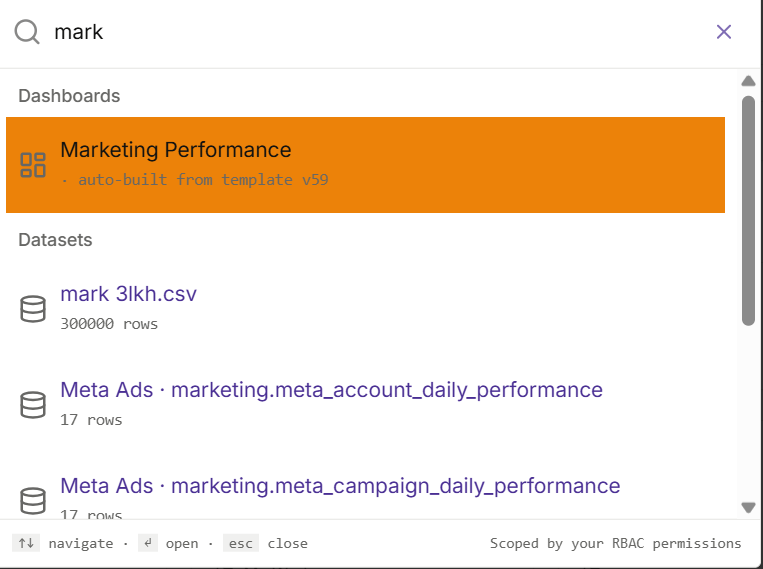
One keyboard shortcut puts every dashboard, KPI card, AI insight, dataset, and data source at your fingertips. Keyboard-first navigation so you never leave the flow.
-
✓
Searches across dashboards, KPIs, data sources, and AI insights
-
✓
Instant results — no page reload, no waiting
-
✓
Keyboard navigation — arrow keys to move, Enter to open
-
✓
Results filtered by your RBAC scope — you only see what you can access
Gallery
Save once.
Reuse everywhere.
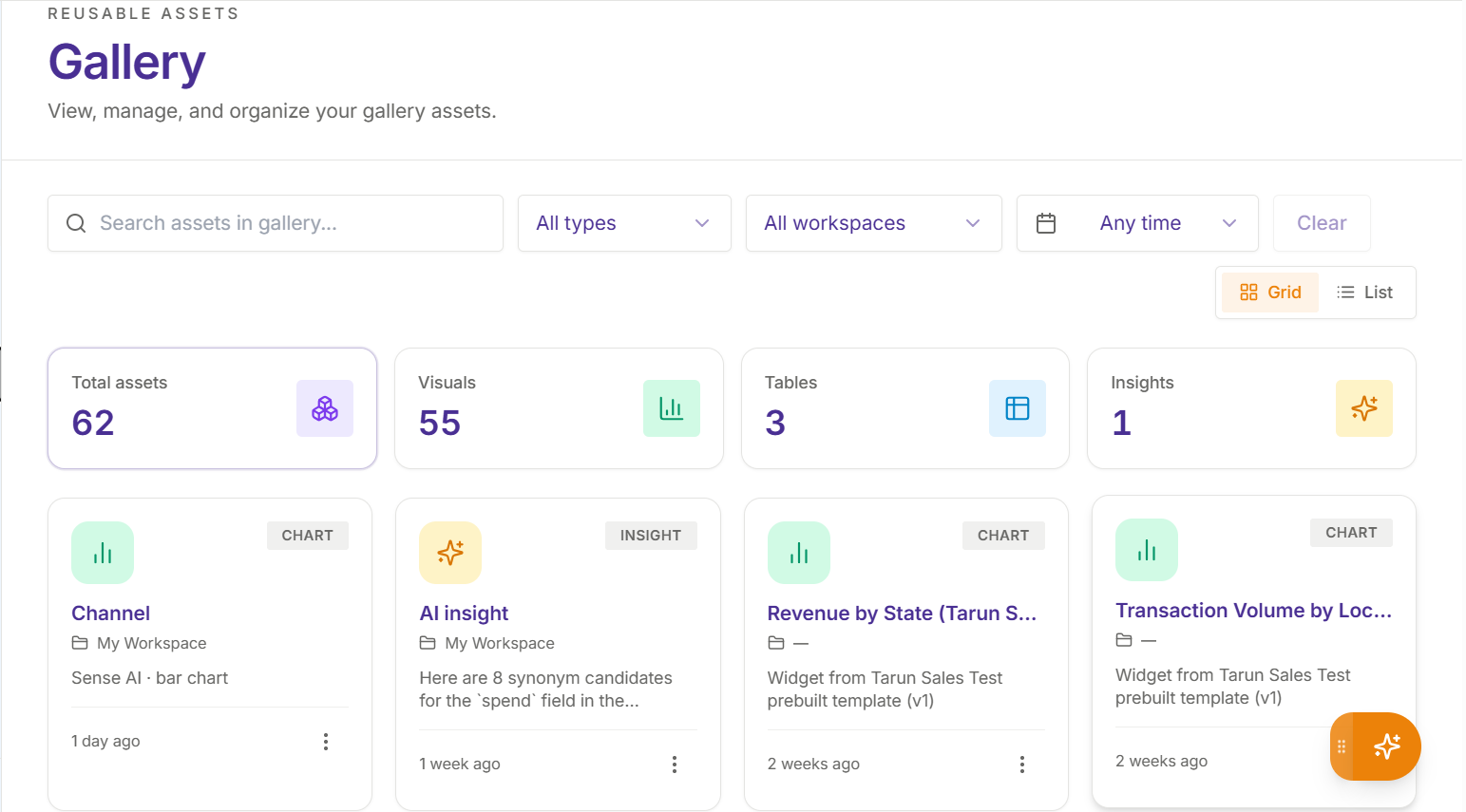
The Gallery is your shared library of reusable KPI cards, charts, and AI insights. Save any widget once — then add it to any dashboard in one click.
-
✓
Save any AI insight as a Gallery widget with a single click
-
✓
Filter by kind (KPI, chart, insight) and category
-
✓
Full-text search across all Gallery items
-
✓
Add Gallery items to any dashboard from the pool drawer
Access Control
Share with confidence.
Control who sees what.
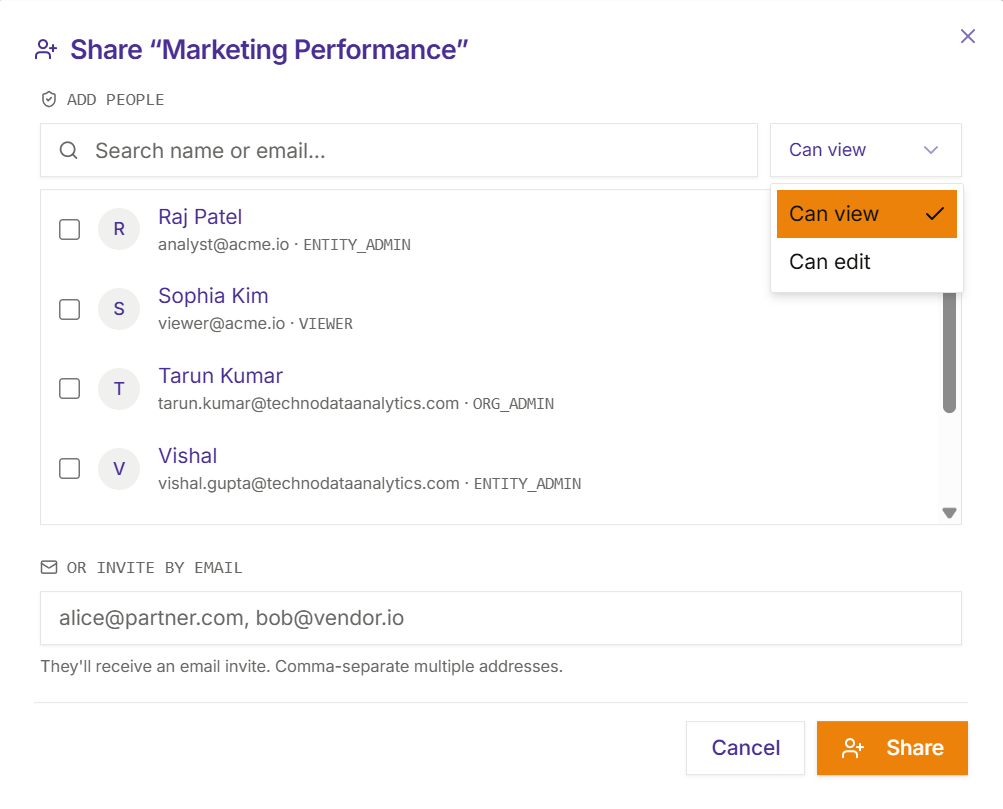
Granular role-based access on every workspace, dashboard, and asset. Invite team members, set permissions, and know that sensitive data stays protected at every level.
-
✓
4-tier RBAC — Org Admin, Entity Admin, Viewer, and Guest
-
✓
Per-workspace access — different permissions per folder or team space
-
✓
Invite-based onboarding — email invites with copy-to-clipboard links
-
✓
Full audit log — every access event logged with user, IP, and timestamp
-
✓
Single-session enforcement — concurrent logins blocked per real user
All features
Everything in one workspace
Every tool you need to organise, share, and collaborate on analytics — built into a single, cohesive experience.